From request to kick-off
Fixtures, without the chaos.
- Request a match.
- Agree the details.
- Keep the conversation together.
- Place it on the calendar.
- Allocate the pitch.
- Keep both teams informed.
Ovalball is designed so a fixture is organised once and stays connected across the club.
Northbridge RFC U14
versus
Westbrook RFC U14
- Date
- Saturday 19 September
- Kick-off
- 11:00
- Venue
- Riverside Ground
- Pitch
- Pitch 2
Product preview — example data
One fixture
One fixture. One record. Everywhere it needs to be.
When a fixture changes, a club should not have to update five different systems. One fixture should not become five different records.
The fixture in Fixture Management is the fixture that appears in the calendar. The same fixture can feed pitch planning. The same fixture carries the relevant conversation, and stays attached to the correct teams.
The journey
Six stages, one rugby commitment.
The request, the conversation, the calendar entry and the pitch requirement all belong to the same fixture. Step through it.
A fixture starts against a real club and a real team, not a message with no shared context. Who is playing, roughly when, and where it would be held.
Northbridge RFC U14 v Westbrook RFC U14
Northbridge RFC U14 → Westbrook RFC U14
A request goes to a real club and a real team, with the date and venue you are proposing attached to it.
Find it. Request it. Agree it.
A request that already knows who is playing.
Fixture organisation starts with the right club and the right team. Ovalball is designed to make fixture requests structured from the beginning — who is playing, when, where, and what still needs agreeing.
Not a loose message with no shared context, where the reply arrives three days later and nobody is sure which team it was about.
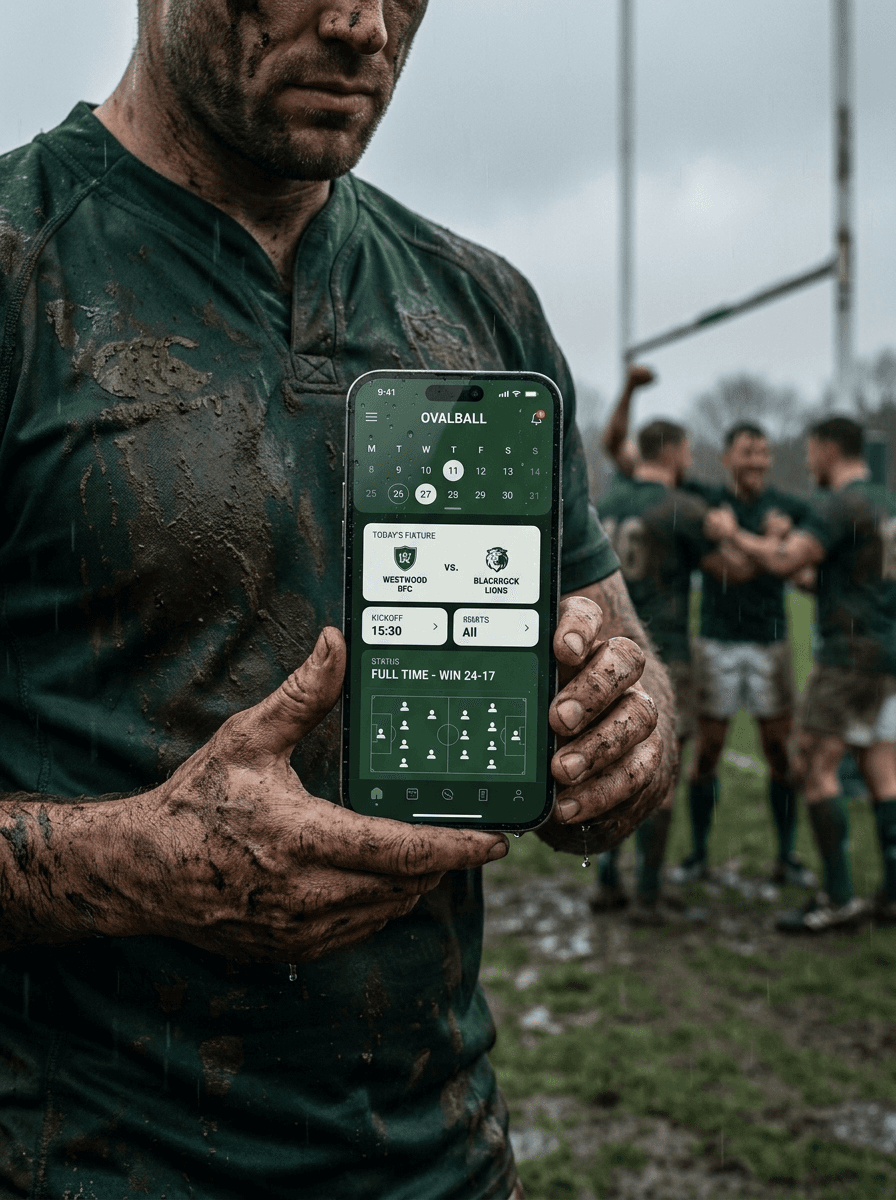
Agreed once. In everyone's pocket.
Connected surfaces
Change the fixture. Watch everything else follow.
These four panels are the same fixture seen from four places in Ovalball. Choose a different fixture and all four update together — which is the entire point.
Showing Northbridge RFC U14 versus Westbrook RFC U14, Saturday 19 September at 11:00, Home.
Fixture management
Product previewSelect a fixture — every panel below follows it.
Fixture conversation
Product previewNorthbridge U14 · Westbrook U14
- Northbridge U14
11:00 works for us. We can host.
- Westbrook U14
Perfect. We'll confirm with our coaches.
- Northbridge U14
Great — Pitch 2 is available. See you Saturday.
Fixture confirmed
Calendar
Product previewSeptember
Sat 19 · 11:00
Northbridge U14 v Westbrook U14
Riverside Ground · Friendly
Authorised users see the fixture in the calendars relevant to their club, team or relationship.
Pitch allocation
Product previewRiverside Ground
Northbridge U14 v Westbrook U14
Home fixtures flow into pitch planning, so the people responsible for the ground can see what needs accommodating.
Product previews using example data. Club names, teams and messages shown here are fictitious.
Keep the conversation with the fixture
Changes happen. Kick-off moves, availability changes, venues need confirming. Ovalball keeps fixture-related communication connected to the fixture it belongs to, so the people responsible have the right context.
When it's agreed, everyone can see where it belongs
The agreed fixture flows into the calendar. Authorised users see it in the calendars relevant to their club, team or relationship — not a broadcast to everybody.
From fixture to pitch
For home fixtures, scheduling does not stop once the opposition is agreed. Ovalball connects the fixture with the club's pitch planning, so the people responsible for the ground can see what needs to be accommodated.
Agree the game once.
Let the right people see the same information — on the calendar, in the conversation, and at the ground.
Once the fixture is agreed, get the team ready — see Game Management.